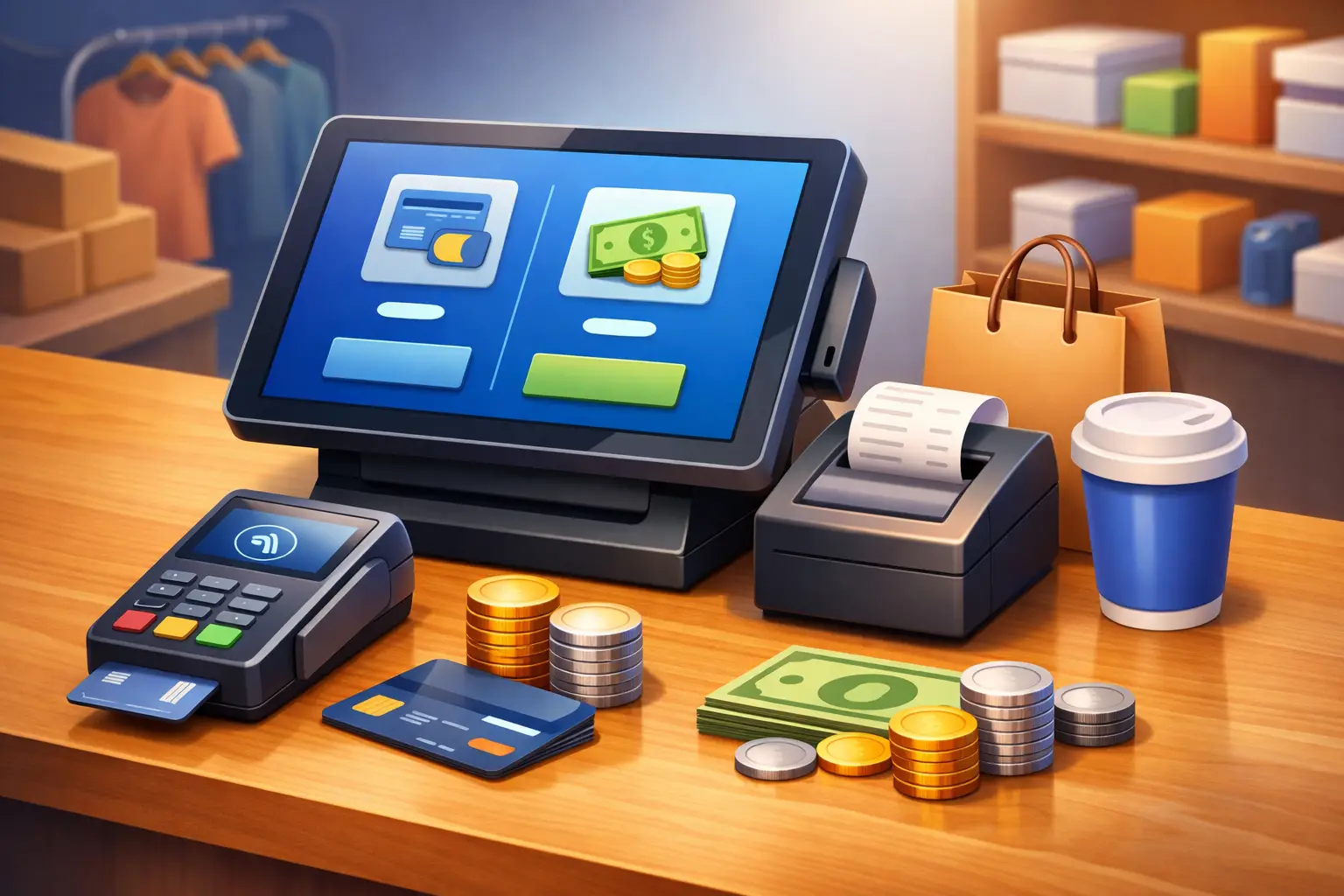
A dual pricing program can look simple from the customer side: one price for cash and another for card. Behind the counter, however, the setup has to be precise. POS systems with dual pricing help businesses apply the correct price automatically, present it clearly, and avoid leaving staff to calculate payment differences at checkout.
For a San Antonio restaurant, auto repair shop, dental office, salon, or retail store, the right setup can reduce the cost of accepting cards without creating confusion for customers. The wrong setup can lead to unclear signage, inconsistent receipts, staff errors, and an experience that feels like an unexpected fee. The difference comes down to how the program is designed and whether the POS system supports it properly.
What Dual Pricing Means at the Register
Dual pricing gives customers a choice between a cash price and a card price. The card price is generally higher because it accounts for the cost of accepting card payments. Rather than adding a surprise charge after the sale, a properly structured program makes both pricing options visible before the customer pays.
That distinction matters. Business owners often use terms like cash discount, dual pricing, and surcharge interchangeably, but they are not the same program. A surcharge adds a fee to certain card transactions and has separate rules, including restrictions involving debit cards. A cash discount program typically presents a standard price and offers a discount when a customer pays with cash. Dual pricing displays the cash and card prices as separate options.
The practical goal is similar: reduce how much of each sale is absorbed by payment processing costs. But the compliance requirements, signage, pricing displays, and POS configuration should match the specific program being offered. A processor or equipment provider should not treat those details as an afterthought.
Why the POS System Matters
A basic terminal may accept cards, but it may not manage dual pricing well. If employees have to manually add a percentage, change an item price, or choose the payment method in the wrong order, mistakes become likely. That can create inaccurate totals and difficult customer conversations.
A POS system built or configured for dual pricing can calculate the appropriate total based on the customer’s selected payment method. It can also show the relevant price on receipts and reports. For businesses with many daily transactions, that automation is the difference between a program that works in practice and one that burdens the front counter.
The best fit depends on the business. A quick-service restaurant may need a fast payment flow that keeps lines moving. An auto repair business may need dual pricing to work alongside estimates, deposits, invoices, and partial payments. A medical or dental office may need the system to handle patient balances, stored payment methods, and front-desk discretion. The POS should support the way the business already operates, not force the operation into an awkward workflow.
Features worth evaluating
When comparing POS systems with dual pricing, look beyond the headline promise of lower processing costs. Confirm that the system can display card and cash pricing clearly, apply the right price automatically, and produce receipts that accurately reflect the transaction.
Reporting is equally valuable. Owners should be able to see card sales, cash sales, payment-related adjustments, refunds, voids, and daily totals without piecing together information from multiple systems. If the POS includes inventory, employee permissions, customer management, appointment tools, or invoicing, those features should continue to work correctly under the dual pricing setup.
Ask how the program handles less common transactions, too. Refunds, split payments, tips, deposits, keyed transactions, online invoices, gift cards, and returns can expose limitations that are not obvious in a product demonstration. A system that works for a standard $20 counter sale may not be right for a business with complex payment activity.
Clear Customer Communication Protects the Experience
Customers are more likely to accept different payment prices when they are informed before they commit to the purchase. Clear signs at the entrance, register, service counter, menu, or price display help prevent the card total from becoming a surprise.
The language should be direct. Customers do not need a long explanation of interchange rates or card network rules. They need to understand what they will pay with cash and what they will pay with a card. The POS screen and receipt should reinforce that information rather than contradict it.
Staff training matters just as much. Employees should be able to explain the pricing policy calmly and consistently: cash pricing is available, card pricing applies when a card is used, and both prices are disclosed. They should not be expected to debate the program, improvise a discount, or manually override transactions without permission.
There is a trade-off. Some customers will prefer cash pricing, while others may dislike paying more for the convenience or rewards associated with cards. Businesses with highly price-sensitive customers may see more questions at first. Businesses with a loyal customer base, strong service, and visible pricing often find that customers adapt when the policy is straightforward.
Compliance Is More Than a Sign by the Register
Dual pricing needs to be implemented with attention to applicable card brand requirements, processor rules, state requirements, and the specific way prices are presented. Rules can change, and details matter. A program that is described as dual pricing but configured like a surcharge can create unnecessary risk.
For example, debit card rules require special attention. Businesses should not assume that a program designed for credit card surcharging applies to debit transactions. Likewise, a sign alone does not make a pricing program compliant if the advertised price, POS calculation, receipt, or customer disclosure does not match the program structure.
Before launching, review the complete customer path. What price appears on a shelf tag, service menu, estimate, website, invoice, POS screen, and receipt? Does the total change correctly when payment type changes? Are taxes calculated properly? Are refunds processed fairly and consistently? These are operational questions, but they also support transparency.
This is where a payment review is more useful than a generic sales pitch. Some businesses are excellent candidates for dual pricing. Others may benefit more from negotiated processing rates, updated equipment, a cash discount model, or a different merchant account structure. The right answer depends on card volume, ticket size, customer expectations, industry, and current costs.
Choosing a System Without Creating a New Problem
A low monthly price or a promise to eliminate processing fees should not be the only reason to switch POS systems. Equipment contracts, software subscriptions, early termination terms, proprietary hardware, customer support, and integration limits can outweigh the initial savings if they are not reviewed carefully.
Start with the current payment setup. Gather recent processing statements, POS reports, hardware details, and a list of operational needs. Identify where fees are coming from, how employees take payments, and where customers encounter the payment process. Then compare potential systems against those real requirements.
It is also worth considering long-term flexibility. A growing retailer may need inventory and multi-location reporting later. A home service company may need mobile payments and invoices. A restaurant may need online ordering, tips, and kitchen integration. Replacing a POS system is disruptive, so it is better to choose a platform that fits the next few years, not just the next few months.
FeeFix Solutions helps business owners review those questions before recommending equipment or a program. The objective is not to move every business into dual pricing. It is to determine whether the savings, customer experience, and operational fit make sense for that specific business.
A Better Way to Evaluate Dual Pricing
Before committing, ask for a live walkthrough using your typical transactions. Run a cash sale, a credit sale, a debit sale, a refund, a split tender transaction, and a transaction with tax or a tip if those apply to your business. Review exactly what the customer sees and what appears on the receipt.
Then review the financial side with the same care. Compare the current effective processing cost with projected costs, including POS software, equipment, support, compliance tools, and any contract obligations. “No processing fees” can be a compelling message, but a responsible decision requires understanding every cost and every customer-facing change.
The best dual pricing system is not the one with the loudest savings claim. It is the one that applies pricing accurately, keeps customers informed, gives staff a simple workflow, and supports the way your business earns revenue. Before changing anything, make sure the checkout experience is as carefully reviewed as the monthly processing statement.

