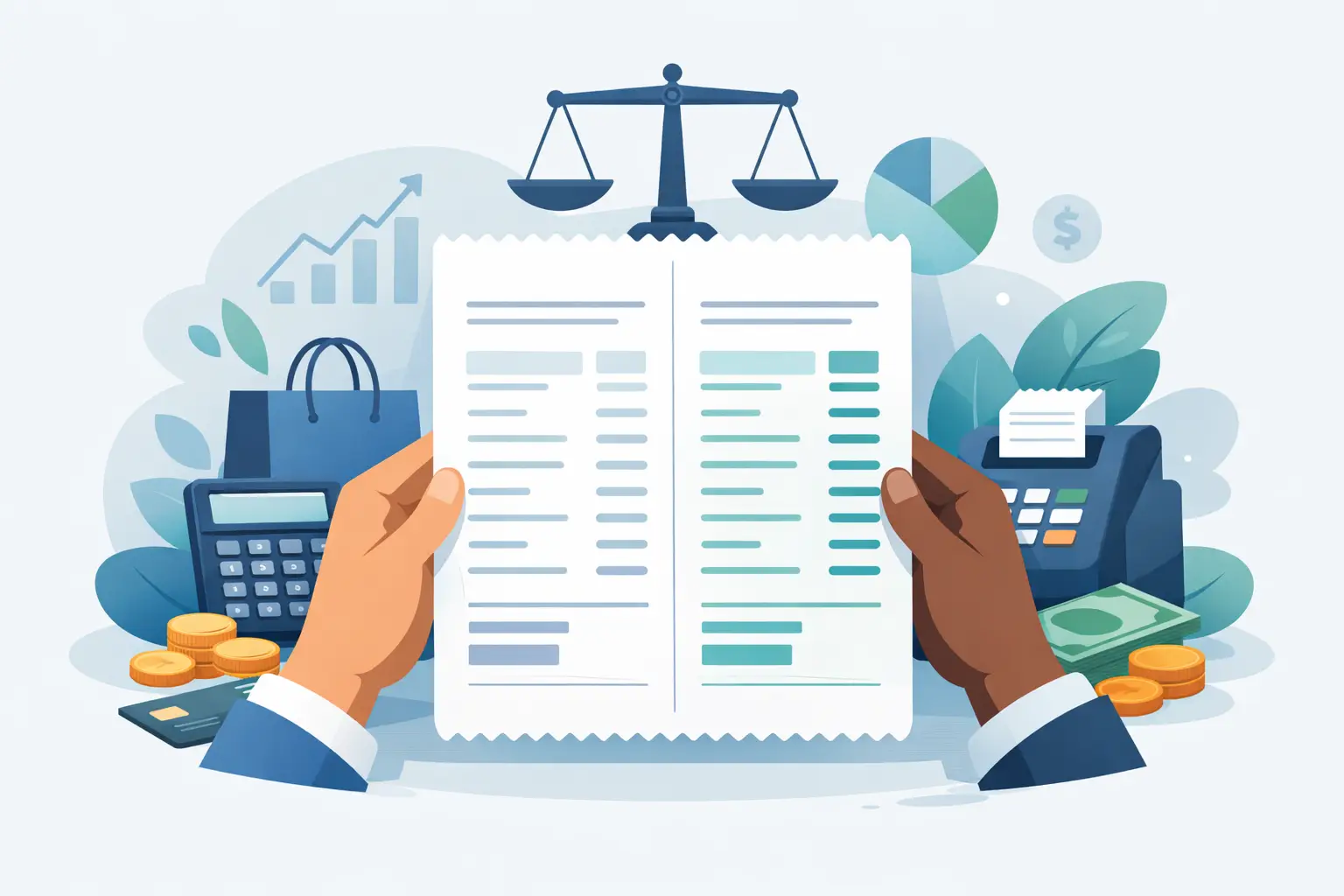
A customer should never need to study a receipt to understand what they paid. A clear dual pricing receipt example helps business owners see how the final transaction should look after a customer chooses cash or card. When the posted price, payment terminal, and receipt all tell the same story, dual pricing can reduce processing costs without creating an uncomfortable checkout experience.
For a restaurant, auto repair shop, dental office, salon, or retail store, the receipt is more than a record of payment. It is the final proof that your pricing program was communicated clearly and applied correctly.
What a dual pricing receipt should show
Dual pricing means a business displays two prices before payment: one price for cash and another price for credit card use. The card price is typically higher because it accounts for the cost of accepting cards. Customers choose their payment method with both prices visible.
A receipt should show the price that applies to the payment method the customer selected. It should not introduce a surprise fee after the customer has already been quoted one price. The total on the receipt must also match the total displayed on the terminal before the customer approves payment.
For most businesses, a well-configured receipt includes the business name, transaction date and time, items or services purchased, applicable sales tax, the payment method, and the final amount paid. If your setup uses a separate card-price adjustment line, that line should be clearly labeled and agree with the pricing disclosure shown before checkout.
The exact layout depends on your POS system, terminal, industry, and program structure. The goal does not change: the customer should be able to look at the receipt and immediately understand the charge.
Dual pricing receipt example: cash and card transactions
Consider an auto repair shop offering a battery replacement. The shop displays both options at the service counter and on its invoice:
Cash price: $96.00 Card price: $100.00
Assume an 8.25% sales tax rate for this example. If the customer pays by card, the receipt may look like this:
```text River City Auto Repair Battery Replacement - Card Price $100.00 Sales Tax $8.25
Total $108.25 Payment Method: Visa Amount Paid $108.25 ```
If another customer chooses cash, the receipt should reflect the lower cash price rather than showing the card price and an unexplained adjustment:
```text River City Auto Repair Battery Replacement - Cash Price $96.00 Sales Tax $7.92
Total $103.92 Payment Method: Cash Amount Paid $103.92 ```
This approach is easy for customers to follow because the receipt matches the choice they made. It also helps your staff answer questions confidently: cash customers receive the posted cash price, while card customers receive the posted card price.
Some systems present the transaction differently. For example, a receipt may show a standard price and a clearly labeled card adjustment. That can work only when the underlying pricing disclosures, terminal prompts, and processor setup support it. A receipt format alone does not make a program compliant.
Why the receipt cannot do all the disclosure work
The biggest mistake with dual pricing is treating the receipt as the first disclosure. By that point, the transaction is already over. Customers need to see their payment options before they commit to a purchase or insert their card.
Clear dual pricing usually begins with visible signage at the entrance, counter, menu, estimate, invoice, or online checkout page, depending on how your business sells. The point-of-sale screen or payment terminal should also present the correct total before authorization. The receipt then confirms the transaction.
For example, a dental practice may include cash and card payment options on a treatment estimate before the appointment. A tire store may show both prices on the work order. A café may post a concise notice near the register and configure the POS to apply the correct price automatically. Each approach can be appropriate when the customer sees the information early and the checkout process stays consistent.
A hand-written adjustment, an unclear line labeled “service fee,” or a total that changes only after a card is presented can damage trust quickly. Even when a business is trying to recover legitimate payment costs, poor communication can lead to disputes, chargebacks, and negative reviews.
Build the receipt around the program you actually use
Dual pricing, cash discounting, and surcharging are often used interchangeably, but they are not the same. The difference affects what customers see on receipts and at checkout.
With a true dual pricing program, the business presents two prices upfront. The customer chooses the cash price or card price. With a cash discount program, the business may present a standard price and offer a discount for cash. With a surcharge program, an added fee may be applied to certain card transactions, subject to card brand rules, state requirements, processor policies, and other restrictions.
That distinction matters because a receipt that is appropriate for one structure may create confusion in another. For instance, a debit card transaction needs special attention. Debit rules and card network requirements can differ from credit card rules, including when the debit card is run with or without a PIN. Your payment technology should be configured so staff do not have to guess which price or adjustment applies.
Before launching a program, confirm that your merchant account, terminal, POS software, signage, invoices, and receipts all support the same model. If one part of the process is out of sync, the program may create more operational problems than savings.
Common receipt problems that create customer complaints
Most receipt issues are not caused by the printer. They start with unclear program design or incomplete POS setup. A few problems appear repeatedly.
First, the card total does not match the price shown before payment. This commonly happens when staff key in a regular price and add an adjustment manually. Automation is generally more reliable because the system applies the correct pricing based on the payment method.
Second, receipts use vague labels. A customer who sees “non-cash fee” or “admin fee” may reasonably ask what it means, especially if the posted sign used different language. Use the same terminology across your signage, estimates, checkout screen, and receipt.
Third, sales tax is calculated inconsistently. In many cases, sales tax should be calculated on the amount the customer actually pays, but tax treatment can depend on the transaction and local requirements. Your accountant or tax advisor can help confirm the correct setup for your business.
Finally, staff are not prepared for basic questions. A simple explanation works best: “We offer a cash price and a card price, both posted before payment. The receipt reflects the option you selected.” If employees sound uncertain, customers may assume the charge was added improperly.
A practical checklist before printing your first receipt
Test the full customer journey before turning on dual pricing. Run a cash sale, a credit card sale, a debit card sale, a refund, and a void. Compare the posted prices, POS totals, terminal prompts, and printed or emailed receipts for each transaction.
Review whether tax is calculated correctly and whether the receipt labels make sense to someone who has never heard of your program. Check your online invoices and payment links too, if customers pay remotely. A program that works perfectly at the counter can still create confusion when the same customer pays an emailed invoice later.
You should also review card brand requirements, Texas and local considerations, processor rules, and your specific equipment capabilities before implementation. Compliance is not a generic setting that can be copied from another business. It depends on the program model and how your business accepts payments.
Make the final receipt a confirmation, not a surprise
The best dual pricing receipt is simple because the pricing process behind it is well planned. Customers see their options early, choose their payment method, approve the displayed total, and receive a receipt that confirms exactly what they expected.
If you are considering dual pricing, start with a review of your current statements, checkout flow, equipment, and customer base. FeeFix Solutions can help San Antonio businesses determine whether dual pricing fits their operations, then configure a practical program that protects margins without making checkout harder for customers.

