An auto repair customer standing at the counter wants to pay, collect the keys, and leave. A dental patient may need to split a balance, use an HSA card, or pay a deposit before treatment. A restaurant needs a different process for tips, tabs, and busy rush periods. These moments are why it pays to configure payment acceptance workflow around how your business actually operates, not around whatever terminal was available first.
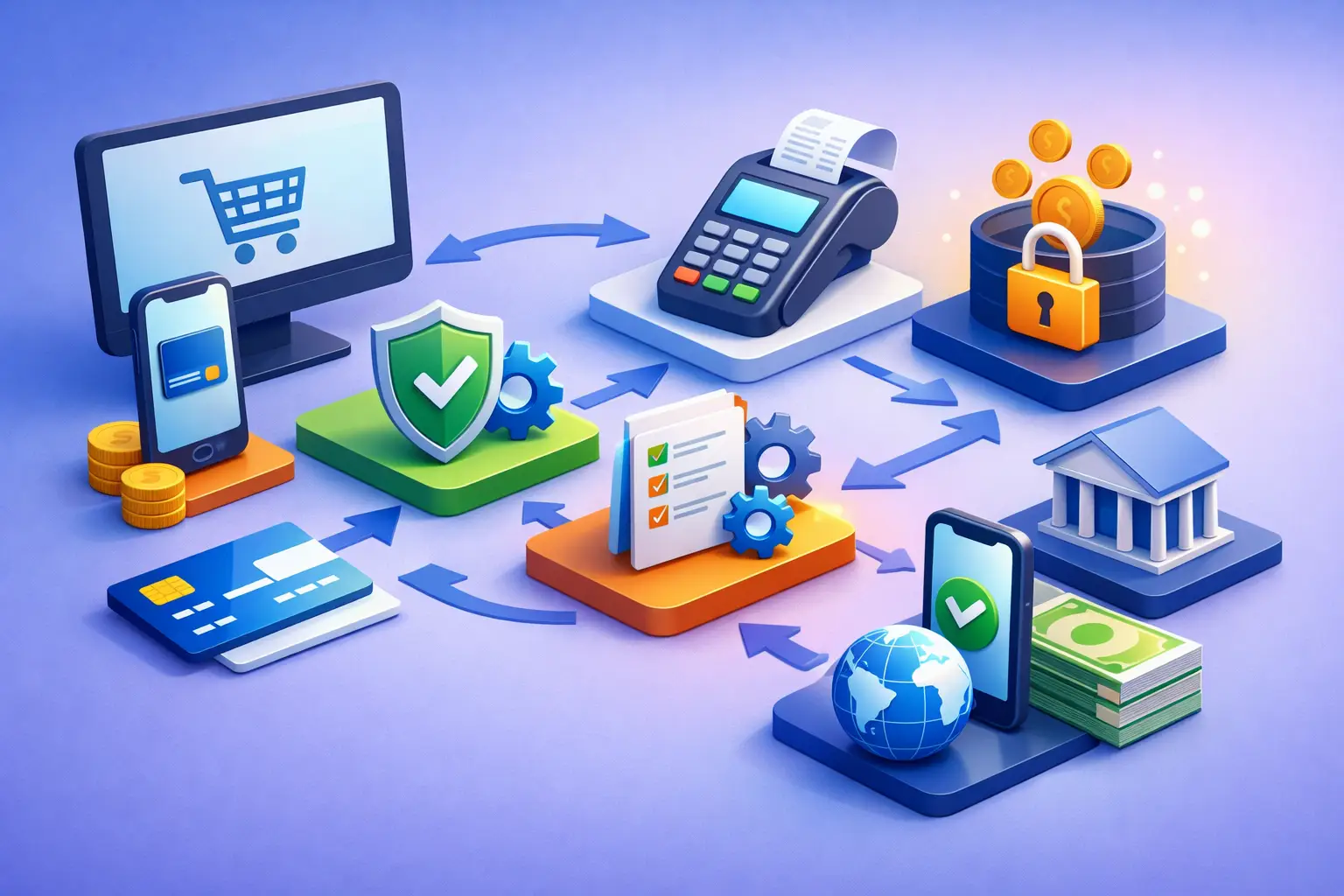
A payment workflow is the complete path from the moment a customer is ready to pay until the transaction is settled, recorded, reconciled, and supported if there is a question later. When that path is clear, staff spend less time correcting errors, customers know what to expect, and owners have a better view of costs and cash flow.
Start With the Payment Moments in Your Business
The right setup begins with a practical review of where, when, and how customers pay. A retail store may primarily take payments at a counter. A home service company may need to take deposits by phone, collect payment on-site, and send an invoice after a job is complete. A medical office may need recurring payments, card-on-file procedures, and a way to separate patient responsibility from insurance activity.
Map the payment moments before choosing equipment or changing processors. Consider the customer journey from the first estimate or appointment through final payment, refunds, receipts, and follow-up. This helps identify unnecessary steps, gaps in documentation, and situations where employees have developed inconsistent workarounds.
For many small businesses, the workflow should answer a few basic operational questions. Who is authorized to take payments? Which transactions happen in person, online, by phone, or through an invoice? Where does payment data enter the point-of-sale system or accounting process? Who handles refunds, disputes, and daily reconciliation? A good answer should be simple enough for a new employee to follow without guessing.
How to Configure Payment Acceptance Workflow by Channel
A payment channel is not just a different way to collect money. Each channel has its own cost considerations, customer expectations, security requirements, and risk profile. Configure the process for each one rather than forcing every transaction through the same method.
In-person payments
For counter and mobile transactions, use EMV chip and contactless acceptance whenever possible. Tap-to-pay is often faster during busy periods and gives customers a familiar option. Your terminal or POS should clearly display the sale amount before the customer pays, provide a receipt option, and record the transaction in the same system used for daily reporting.
Set staff expectations for declined cards, partial payments, tips, and receipt requests. For example, a salon may need an easy way to accept a card payment plus a separate cash tip. An auto shop may need approval procedures before taking a large payment by phone. Defining these details protects the customer experience and prevents employees from improvising at the counter.
Remote, invoice, and recurring payments
Card-not-present payments generally carry more exposure to fraud and disputes than an in-person chip transaction. If you accept deposits over the phone, invoice customers after service, or keep cards on file, build clear verification and authorization steps into the process.
Invoices should identify what the customer is paying for and make the due date, payment amount, and business name clear. For recurring billing, obtain documented customer authorization and establish a process for updating expired cards or handling a failed payment. Do not rely on a verbal understanding when a signed form or digital authorization is appropriate.
A practical workflow also separates payment collection from sensitive card data. Employees should not write card numbers on paper, store them in email, or keep them in unapproved software. Use the secure tools provided through your payment platform, and limit access to employees who genuinely need it.
Refunds, adjustments, and exceptions
The best workflows account for the transactions that do not go as planned. A customer may be charged twice, cancel a service, dispute an amount, or ask for a refund weeks later. Decide in advance who can issue refunds, whether manager approval is required above a set dollar amount, and how the reason is documented.
Refunds should usually be returned to the original payment method, not paid out in cash simply because it is faster. That creates clearer records and reduces the chance of internal loss. Keep receipts, invoices, service records, and customer communications organized so your business can respond quickly if a chargeback occurs.
Set Pricing and Processing Rules Before Checkout
Payment acceptance affects profitability, but the lowest advertised rate is not the whole story. Your workflow should show how processing costs are handled, how prices are presented, and whether the setup fits the way customers buy from you.
Some businesses choose to absorb card costs as part of their operating expense. Others consider a compliant cash discount or dual pricing program. Either approach can work, but the details matter. Signage, customer-facing price displays, receipt language, and POS configuration need to accurately reflect the program. A poorly configured program can confuse customers and create compliance issues even if the underlying idea is sound.
Do not assume a cash discount or dual pricing program is the right answer simply because it may reduce processing expense. A high-ticket professional service business, a neighborhood restaurant, and a convenience-oriented retail store can see very different customer reactions. Review your average ticket, card usage, competitive environment, and checkout experience before making a decision.
Pricing rules should also cover deposits, cancellations, no-show fees, convenience charges where applicable, split payments, and gratuities. Customers are more likely to accept a policy when it is disclosed early and applied consistently. Employees are more likely to follow it when the POS prompts them through the correct steps.
Match Your Equipment and Software to the Workflow
A payment terminal should support your process, not create extra work around it. A basic standalone terminal may be appropriate for a business that only needs to accept payments at one counter. A restaurant, retail store, or service business with inventory, employee permissions, reporting needs, or multiple checkout locations may benefit from an integrated POS system.
Before selecting equipment, evaluate the daily tasks your team performs. Can staff search for an invoice, take a deposit, add a tip, send a receipt, and process a refund without changing systems? Can management review sales by employee, location, or payment type? Does the system support the payment methods your customers expect today without locking you into a setup that will be difficult to change later?
The answer depends on the business. More features can improve reporting and control, but they can also add training requirements and monthly software costs. The goal is not to buy the most complex system. It is to choose technology that eliminates friction in your most common transactions and gives you reliable information when something needs attention.
Build Security and Reconciliation Into Daily Operations
Payment security is an operational discipline, not a box checked during installation. Give each employee a unique login where possible, remove access promptly when roles change, and avoid sharing passwords. Keep terminals physically secure and train staff to report unusual prompts, damaged equipment, or suspected fraud.
At the end of each day, compare the POS or terminal batch totals with sales records, invoices, and cash activity. This does not need to be complicated, but it should be consistent. Daily reconciliation catches duplicate transactions, missed batches, incorrect tips, and refund errors before they become a larger accounting problem.
If different people close shifts, document the handoff. For example, a restaurant manager may review tips and close the batch, while an office manager reviews deposits and payment reports the next morning. Assigning ownership makes it far less likely that a discrepancy will sit unresolved.
Test the Workflow Before Relying on It
Before a new setup goes live, run real-world test transactions. Process a chip card, tap payment, keyed-in transaction if permitted, refund, split tender, tip, invoice payment, and receipt delivery. Test the process during the conditions that matter most, such as a lunch rush, mobile service call, or end-of-day closing.
Then ask employees where they hesitated. Their feedback often reveals a missing permission setting, unclear screen prompt, poor receipt process, or training gap that is not obvious during a sales demonstration. A workflow only works when the people using it can follow it confidently.
For San Antonio businesses reviewing a merchant account, POS system, or pricing program, FeeFix Solutions begins with the current process rather than assuming a replacement is needed. A statement review and operational conversation can show whether the opportunity is lower cost, better technology, clearer checkout practices, or simply better support.
The most useful payment workflow is not the one with the most features. It is the one your team can follow consistently, your customers can understand immediately, and your business can review with confidence when the day is over.

